Outliner
Turn an idea or an uploaded file into a clean outline right inside ChatGPT. Ask Outliner to structure a pitch deck, map a product launch, or shape an essay; it instantly builds a logical hierarchy you can promote, trim, or delete — letting you think while it formats. How to Use Outliner in ChatGPT 1. Connect: Connect the Outliner app to ChatGPT. 2. Trigger: Activate the app using one of these methods: Type Commands: Simply type “@” then choose the Outliner app, or type “Outliner” (followed by a space) in the chat box. Action List: Select it directly from the Action List (Requires the Sider extension). 3. Create: You are ready to go! Try asking specifically: · “Outline my climate-change research paper.” · “Break this product concept into a step-by-step workflow.” · “Summarize this file, then build a project-plan outline.” When you’re ready, copy the outline and keep refining it with your team. More
@Outliner Deeply refine the outline content

@Outliner Generate a research-oriented outline for “AI Video”

@Outliner Rewrite node titles to sound more like a research outline
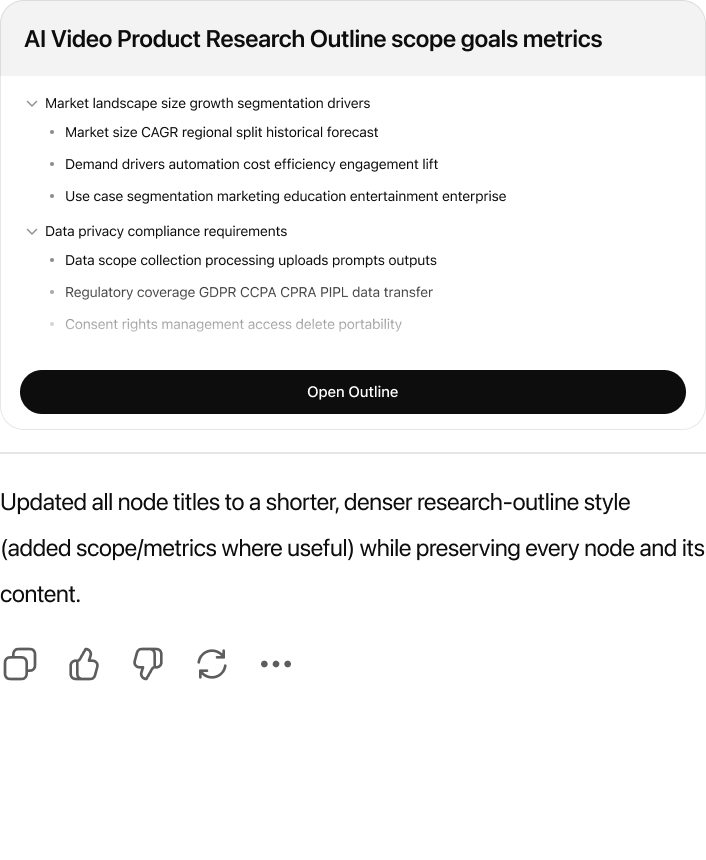
@Outliner Expand the current outline to include “Data Privacy & Compliance”